 Image 1 of 5
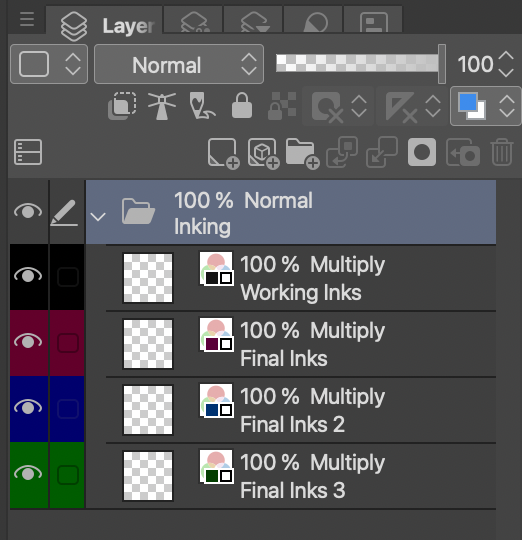 Image 2 of 5
 Image 3 of 5
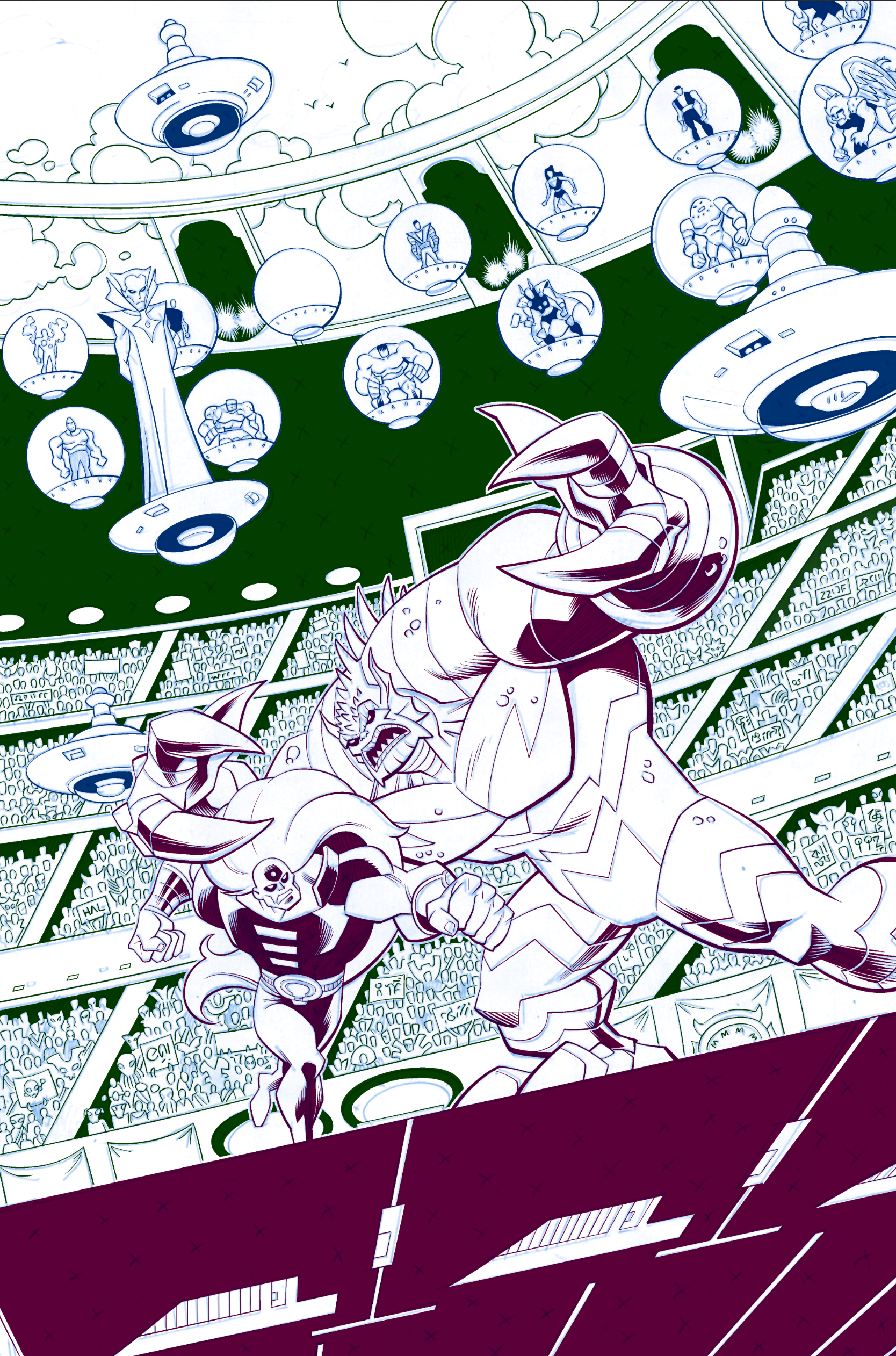 Image 4 of 5
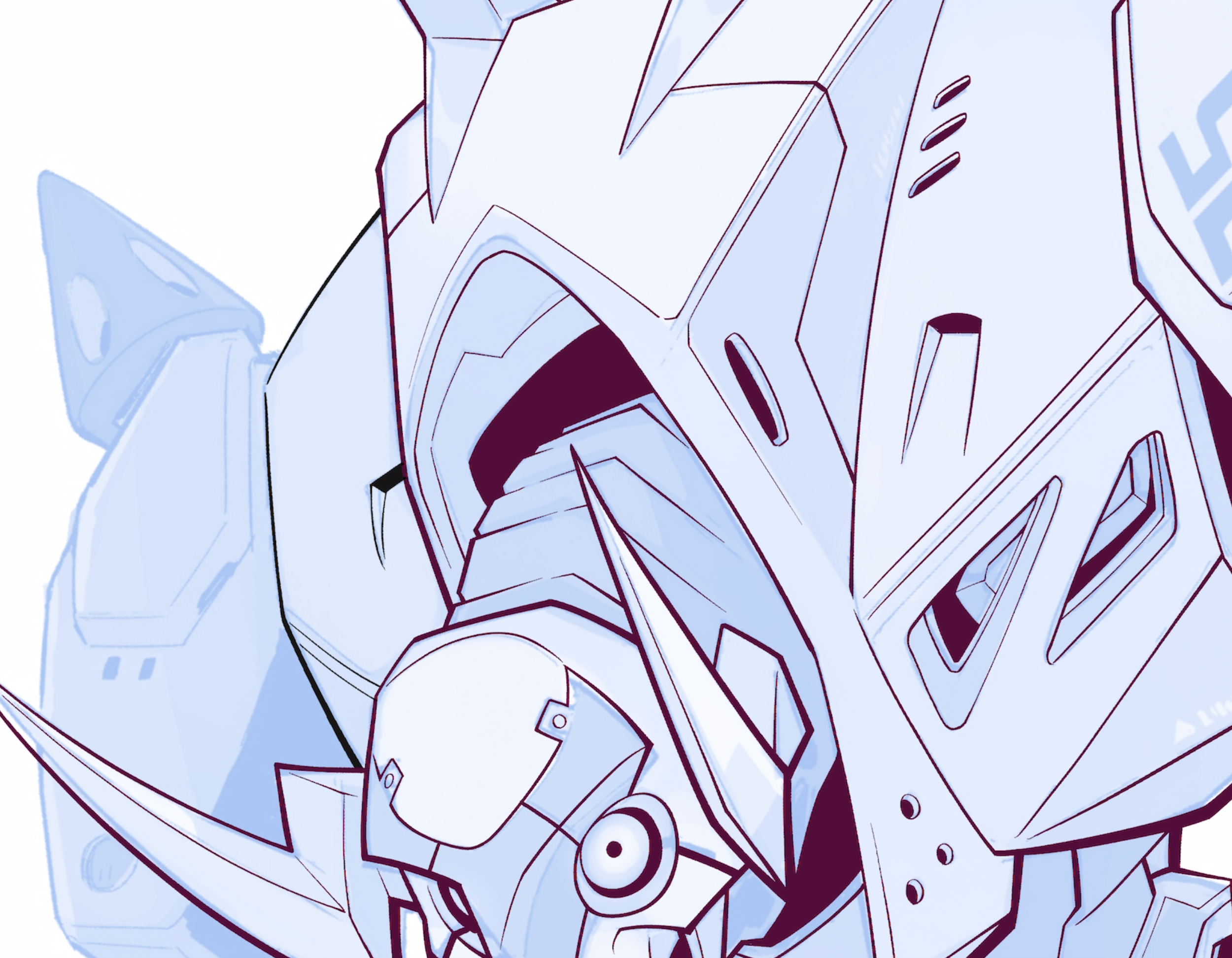 Image 5 of 5
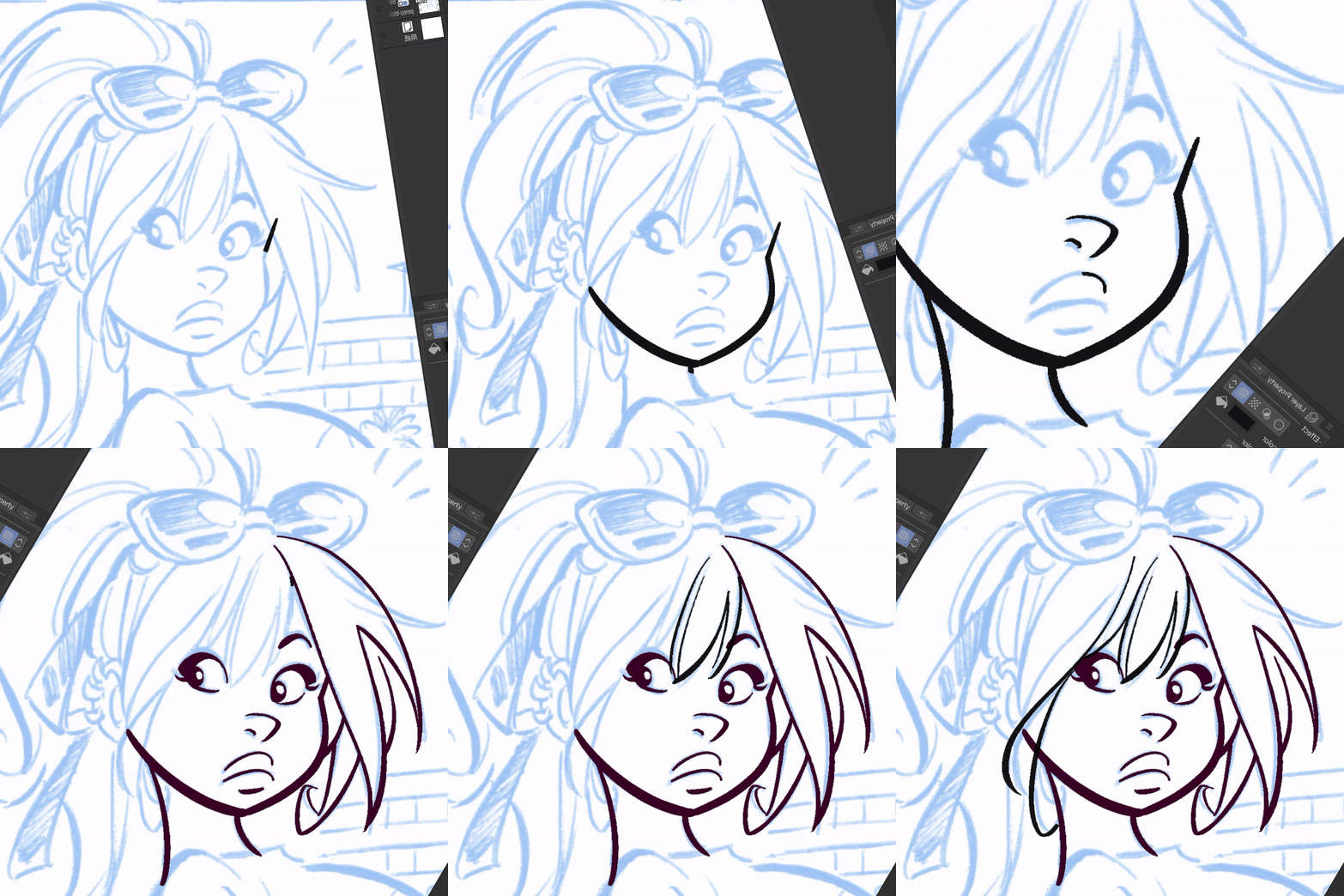
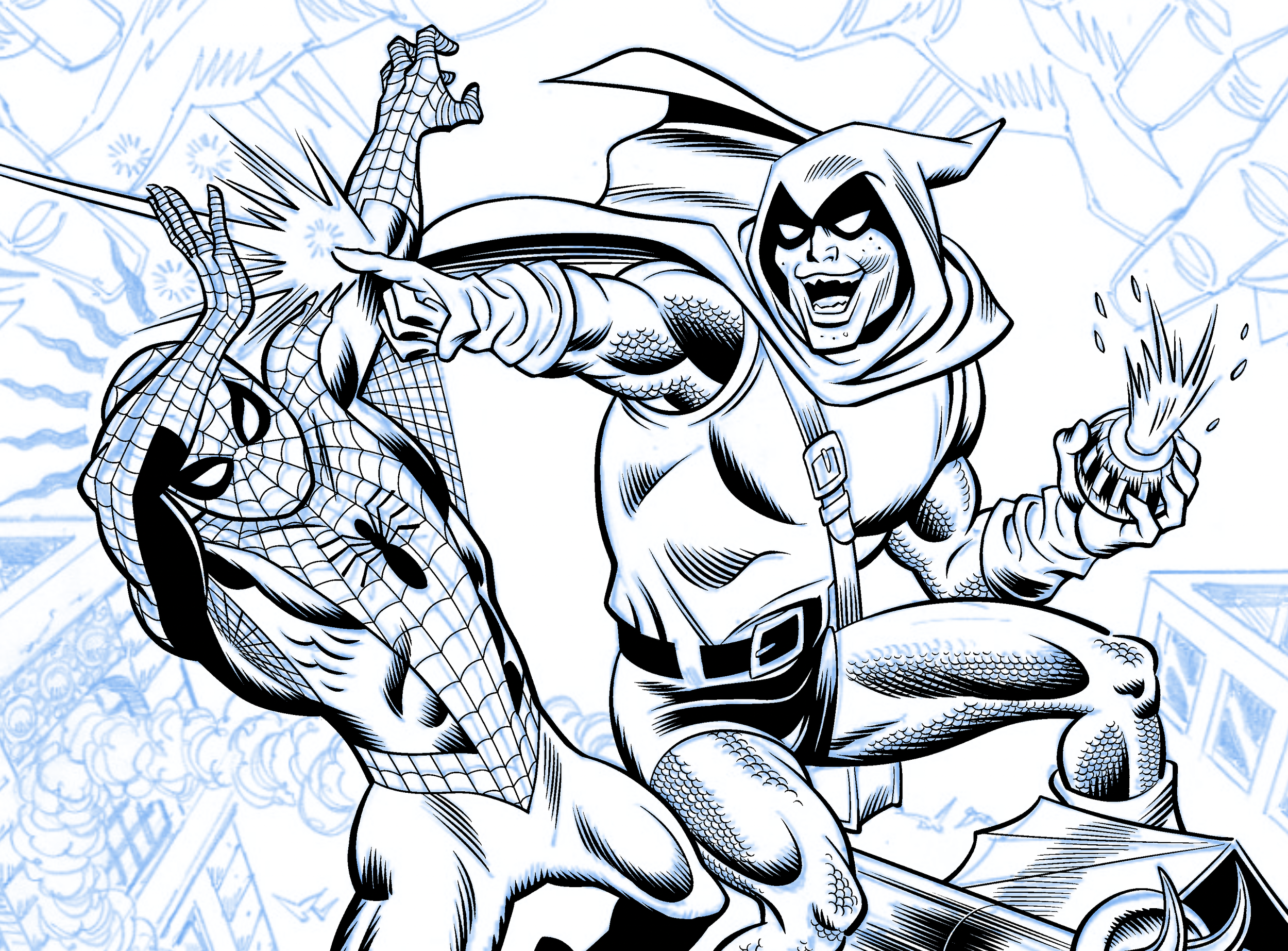
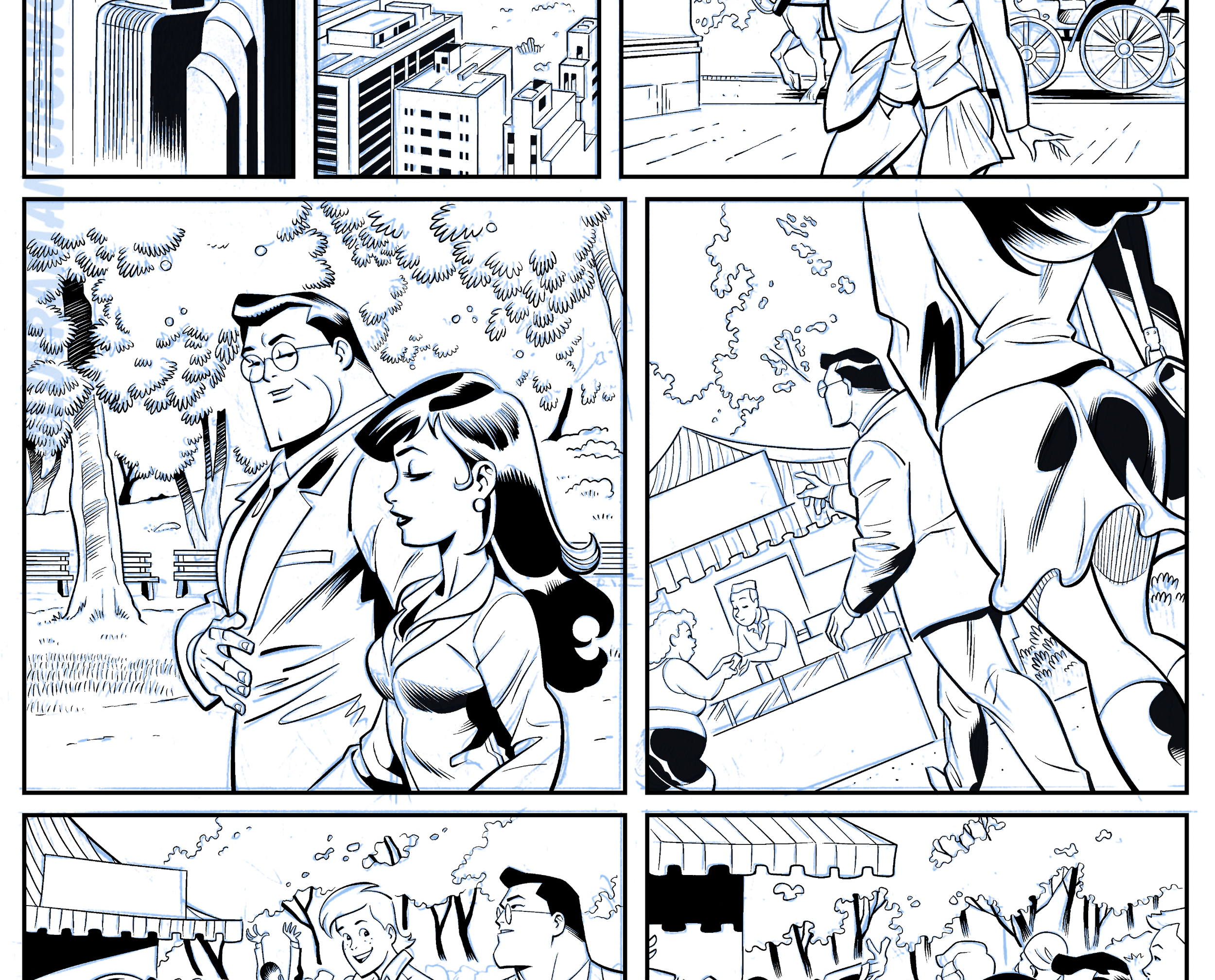
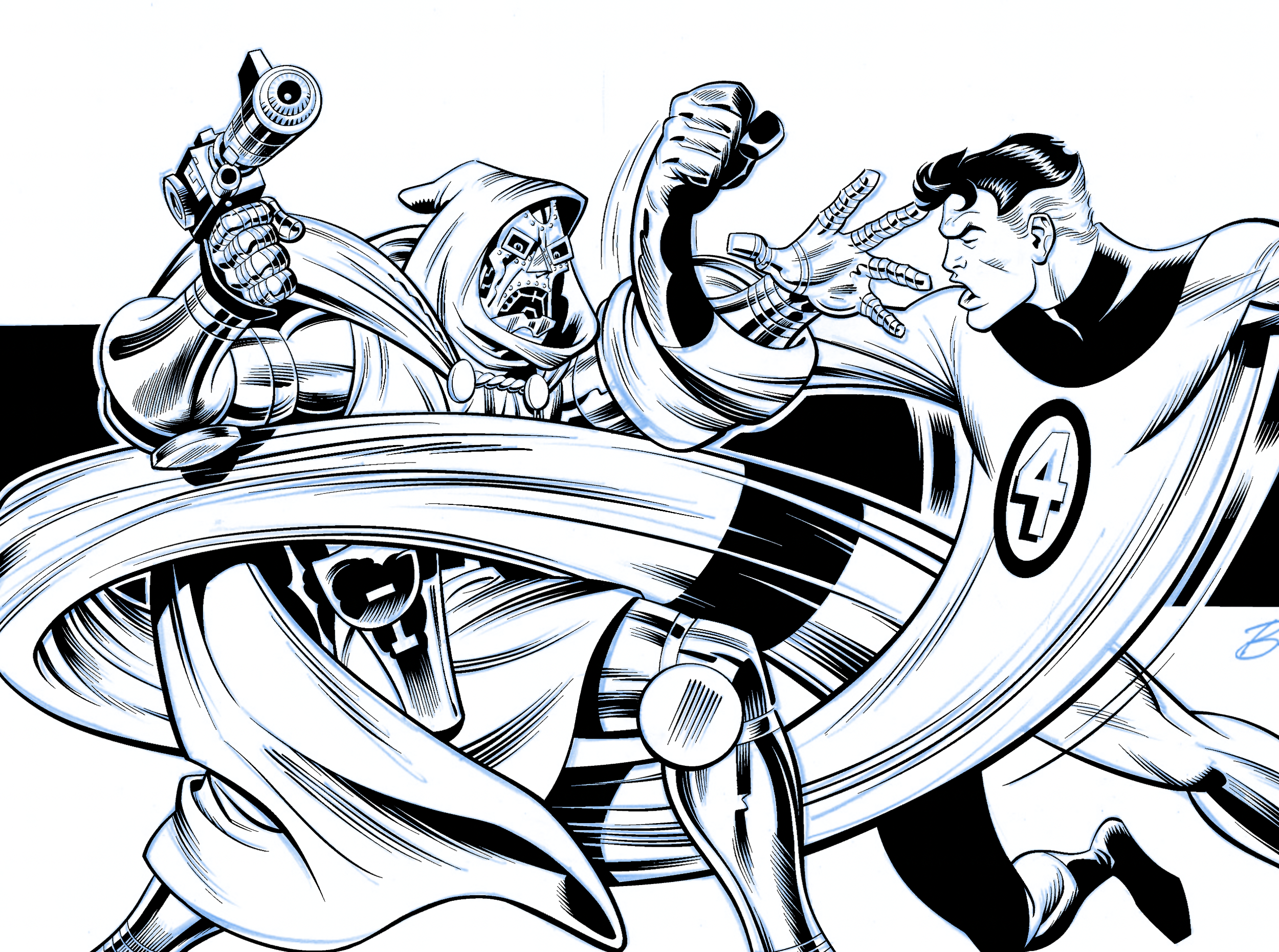
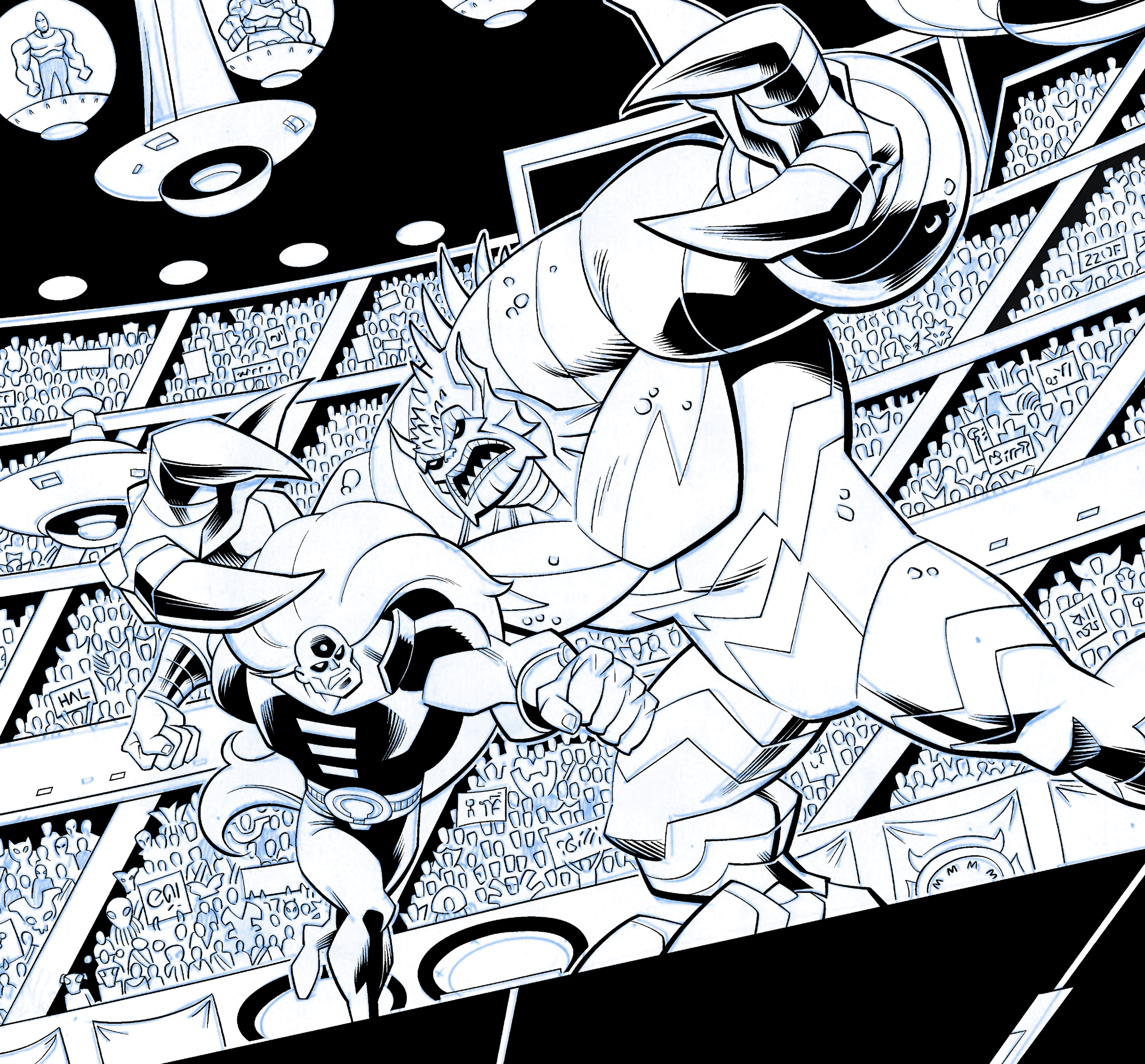
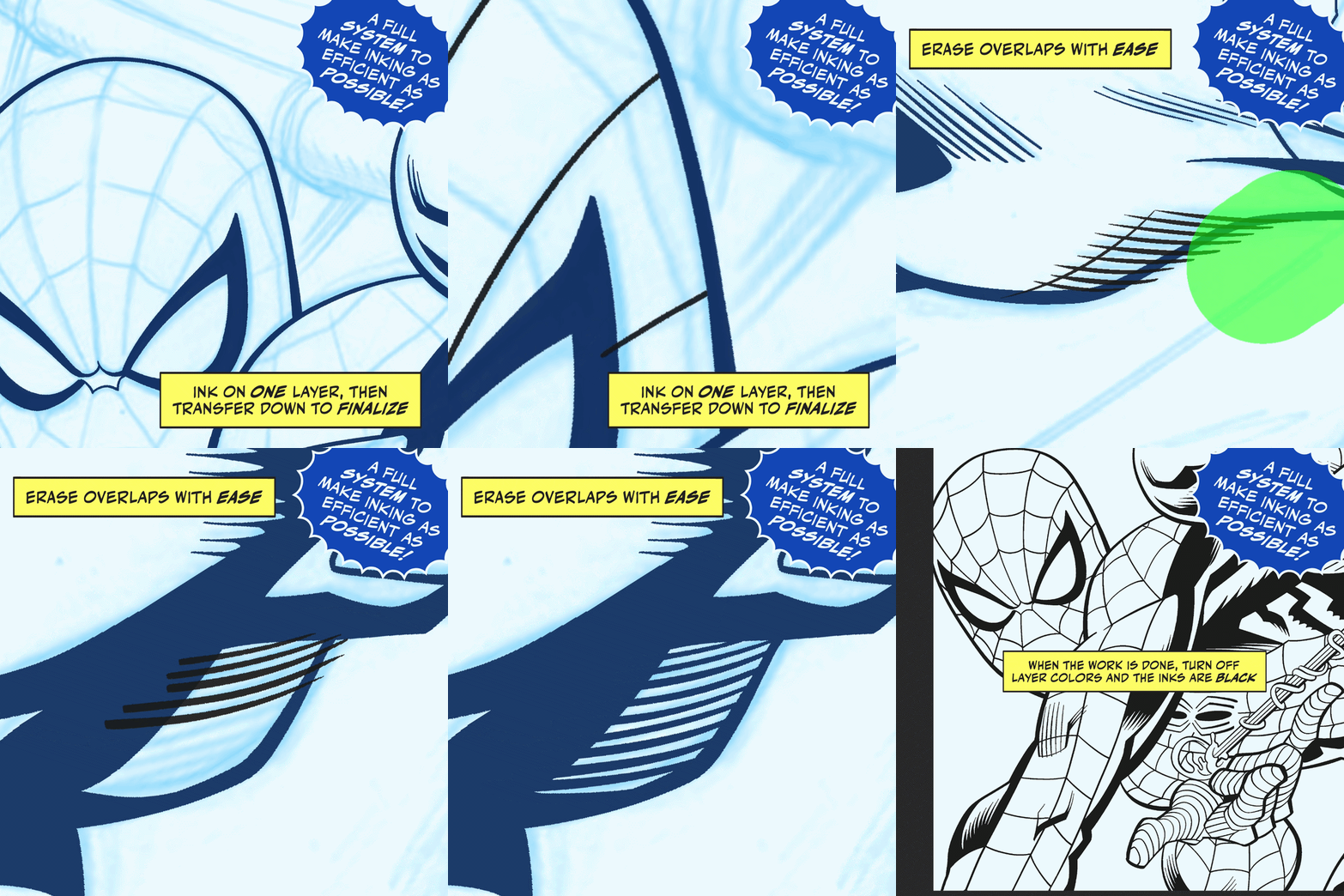
I get asked about my inking process all the time- “what’s that green eraser you keep using?” “Why are the lines colored?” “How are you doing that?”
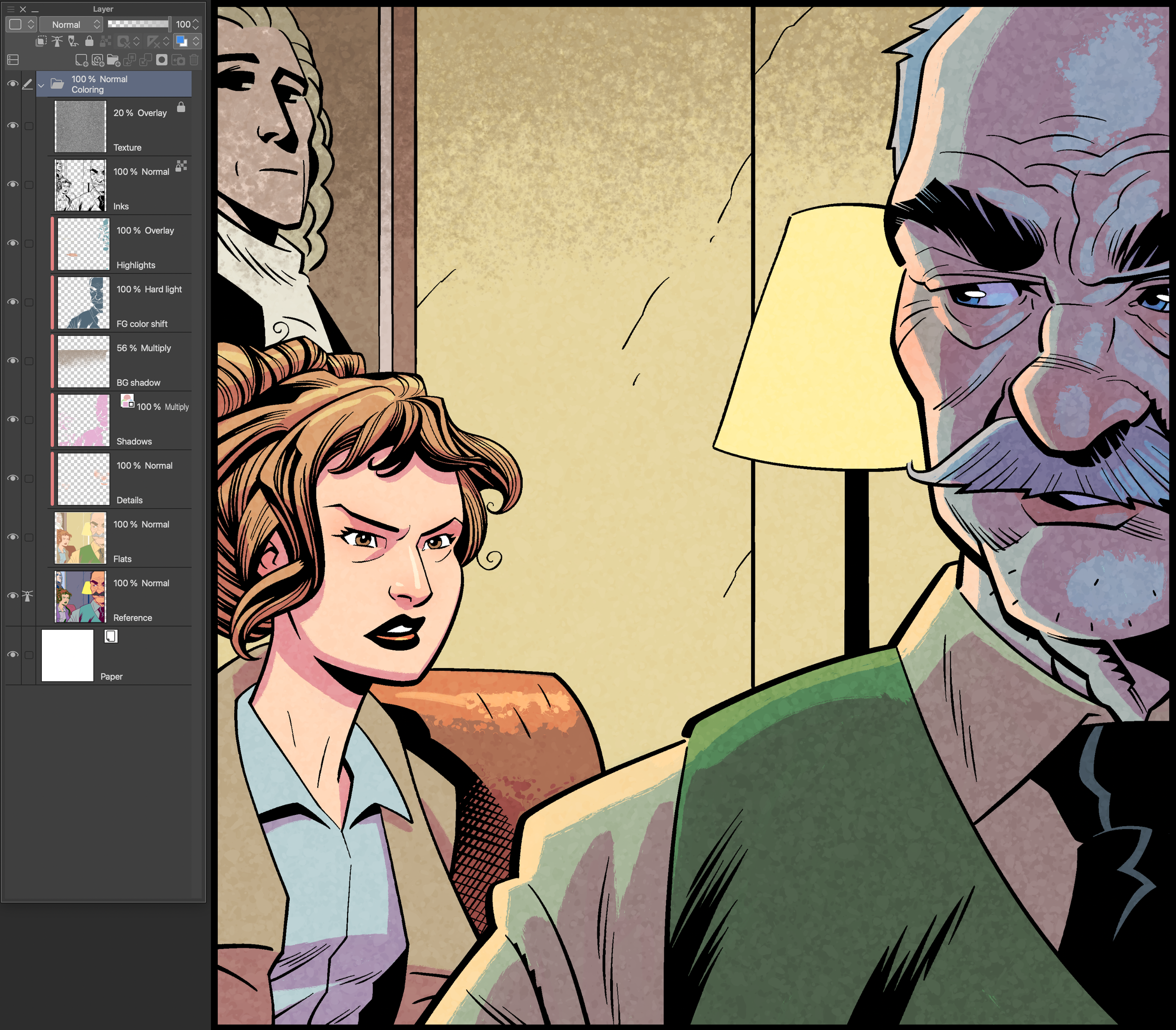
This is the answer. This is how I set up my inking layers in CLIP STUDIO PAINT, and the process I use to take advantage of CSP’s toolset. Ever wish you could erase up to overlaps in raster layers, like you can with the vector eraser? You can, and this is how.
This is the process and layer setup I use all the time. It’s efficient and it’s fast.
Includes
a .CLIP file containing my inking layers
an auto-action to build the layers
a detailed guide on how to use the process, including how to set up and use shortcut and modifier keys like I do
the PAINT UNFILLED AREA tool, which is included just because some people don’t have it included in their available software for some reason
These files are only available for use in CLIP STUDIO PAINT, and are delivered as:
Tom’s Inking Layers.clipInking Layers Auto-Action.IafPaint unfilled area.sutReadMe.txtI get asked about my inking process all the time- “what’s that green eraser you keep using?” “Why are the lines colored?” “How are you doing that?”
This is the answer. This is how I set up my inking layers in CLIP STUDIO PAINT, and the process I use to take advantage of CSP’s toolset. Ever wish you could erase up to overlaps in raster layers, like you can with the vector eraser? You can, and this is how.
This is the process and layer setup I use all the time. It’s efficient and it’s fast.
Includes
a .CLIP file containing my inking layers
an auto-action to build the layers
a detailed guide on how to use the process, including how to set up and use shortcut and modifier keys like I do
the PAINT UNFILLED AREA tool, which is included just because some people don’t have it included in their available software for some reason
These files are only available for use in CLIP STUDIO PAINT, and are delivered as:
Tom’s Inking Layers.clipInking Layers Auto-Action.IafPaint unfilled area.sutReadMe.txt